
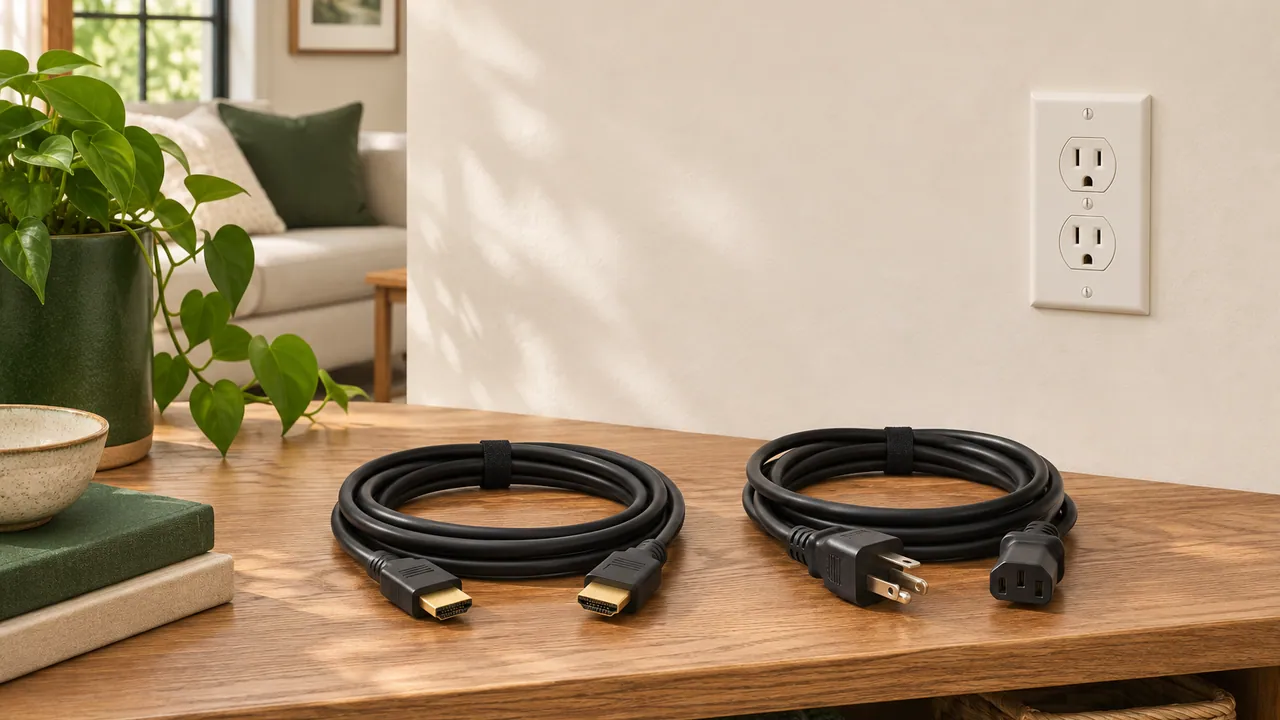
Before a TV mounting visit, take one wide photo that shows the wall, the outlets and the furniture underneath. The layout matters more than marking a path for each cable.
Mark the screen from your seat
Sit where you usually watch and look at the wall. If you want to test a spot, outline the screen with removable painter’s tape. Look again from any other seat you use often. Include the mantel, shelves or soundbar in your photo so the clearances are easy to see.
Show where your devices will sit
List what needs to connect, such as a game console, streaming box or soundbar. Take a picture of the cabinet or shelf where each device will sit. If you already have cables, photograph their labels and mention their lengths.
Talk about power separately
A power cord supplies electricity. An HDMI cable carries the picture and sound. Tell the installer whether you prefer a visible cable cover or want to discuss options for a concealed route. Ask a qualified electrician about adding or moving an outlet. Leave the wall intact before the visit.
Bring the wall photo and device list when you ask about TV mounting.