
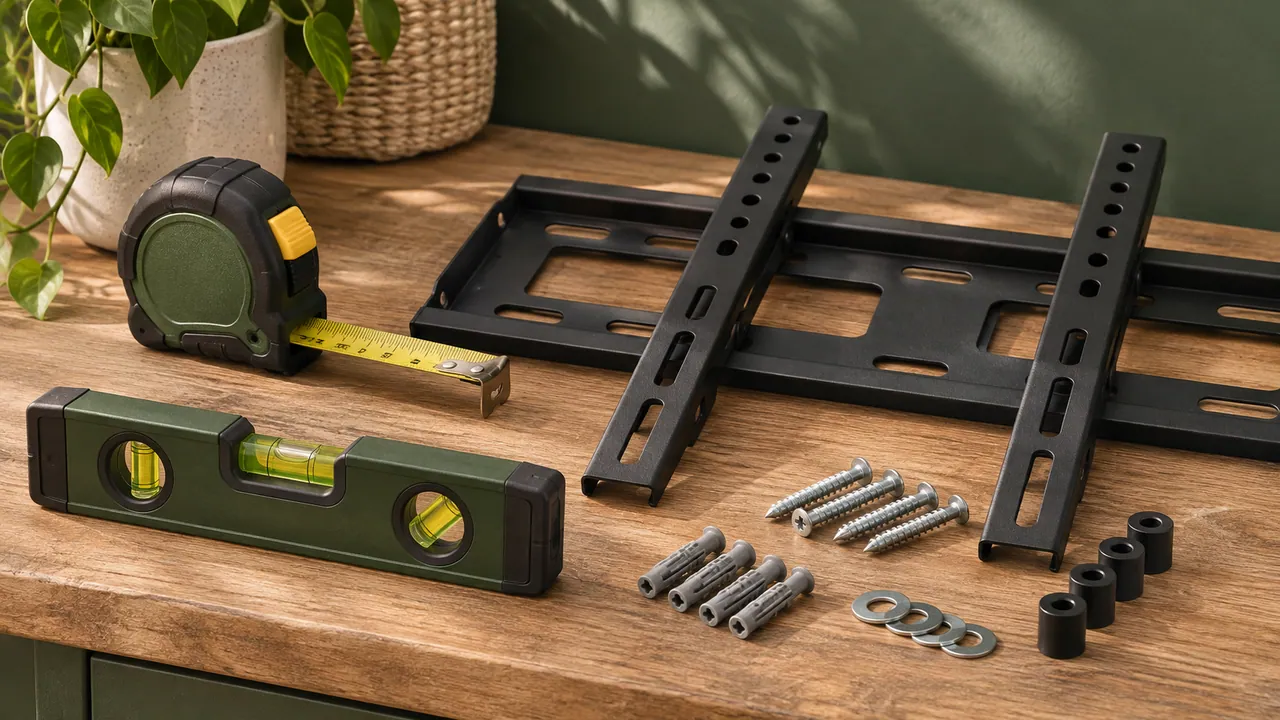
TV mount safety basics
Mount your TV only to a sturdy wall using hardware that matches the TV size and weight.
Check the TV and mount
- Match the mount to your TV size, weight, and hole pattern.
- Look for broken parts, missing screws, or loose joints.
- Keep every bracket, bolt, washer, and template from the box.
Check the wall
- Use a stud finder to find wall studs.
- Standard stud spacing is usually 16 or 24 inches apart.
- Use the mount template and check that it is level before drilling.
Height and hanging
SANUS suggests placing the screen center about 42 inches from the floor for comfortable viewing.
- Lift with a helper when the TV feels heavy or awkward.
- Confirm the mount locks with the maker’s stated click or sign.
- Give the TV a light check before letting go.
Stop if you hit pipes, wires, or an unsure wall. Send your TV mounting project details to Boltcraft Handyman Service.
Sources: